
Convert files on your Android phone
MiConvert for Android runs on the same converter as this website. Share a file from any app, pick a format, and save or share the result without opening a browser.
Free · Android 7.0 or later
On a computer?
Scan this code with your Android phone's camera to open MiConvert on Google Play.
What the app adds
Convert from the Share menu
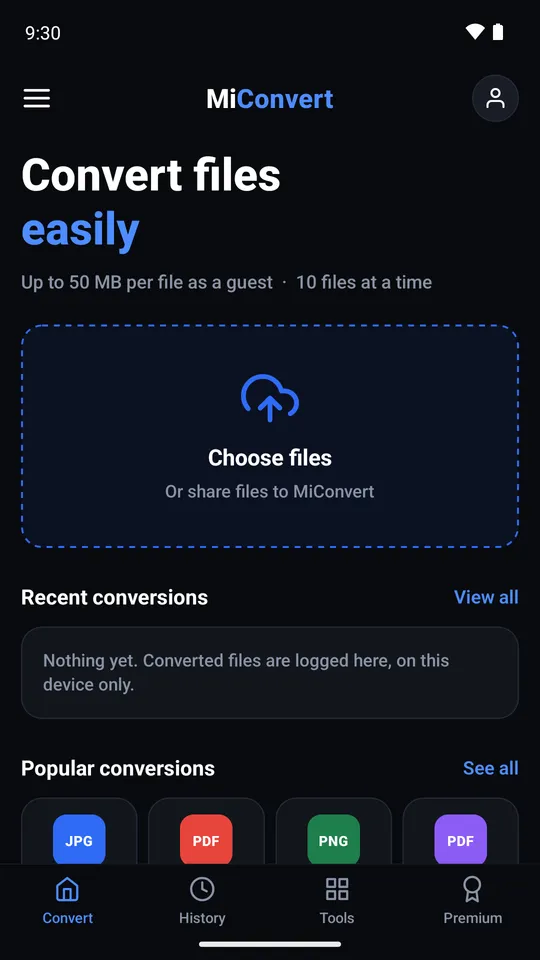
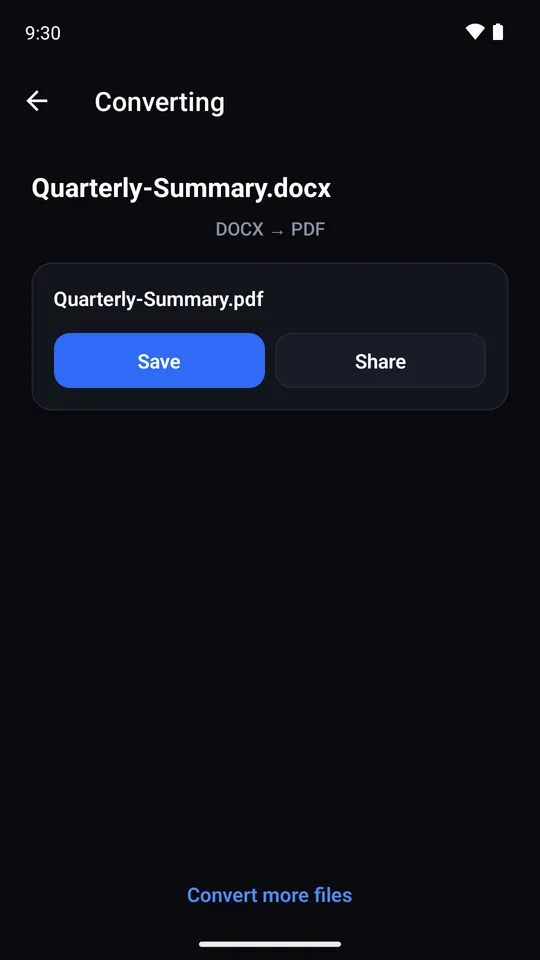
In Gmail, WhatsApp, Zalo, Files or your gallery, tap Share and choose MiConvert. The file opens in the app, ready to convert, with no download and re-upload.
The website's formats, on your phone
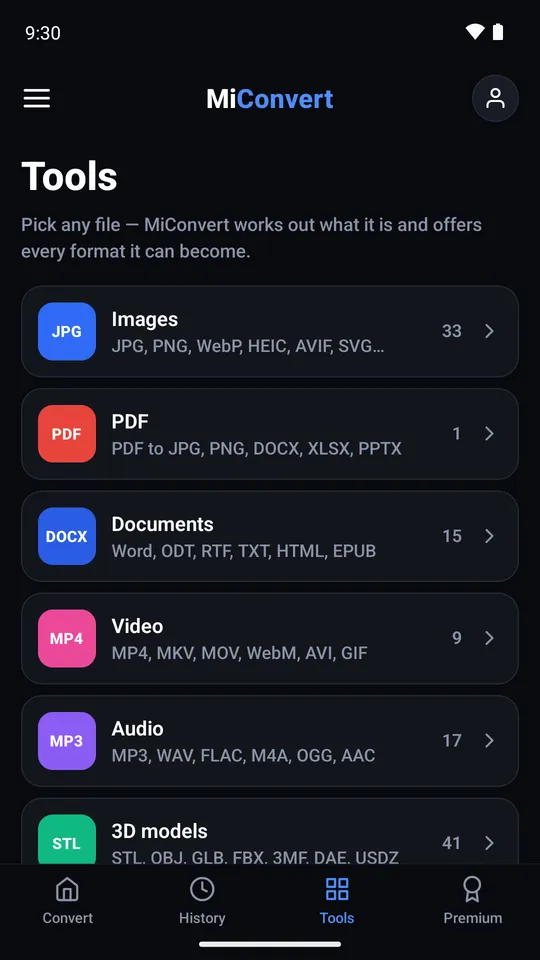
Images, PDF, documents, video, audio and 3D models, converted by the same servers as miconvert.com, so you get the same results.
Results stay on your phone
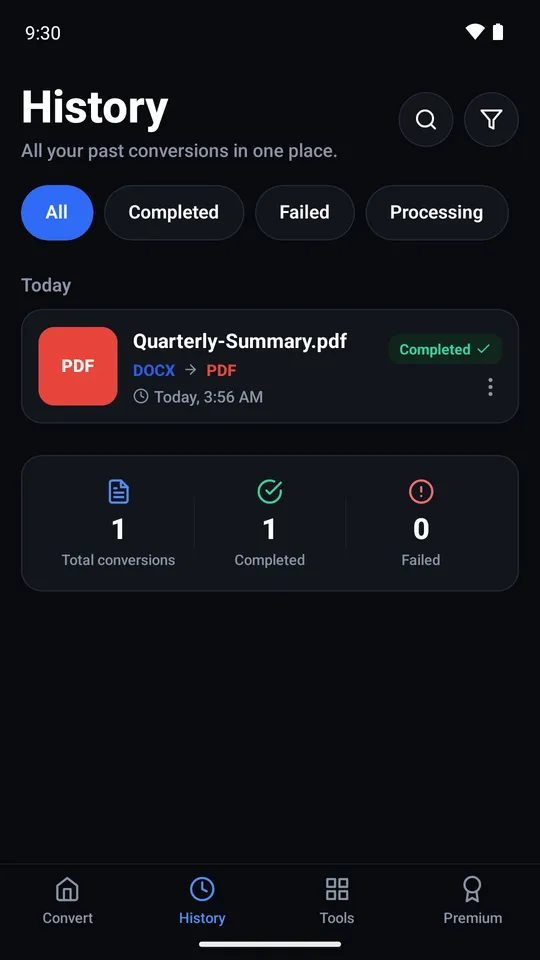
Converted files are kept on the device with a history of every conversion, so you can open or share one again later.
Several files at once
Pick several files of the same type and convert them in one go.
Inside the app
How it works
- 1 Install MiConvert from Google Play.
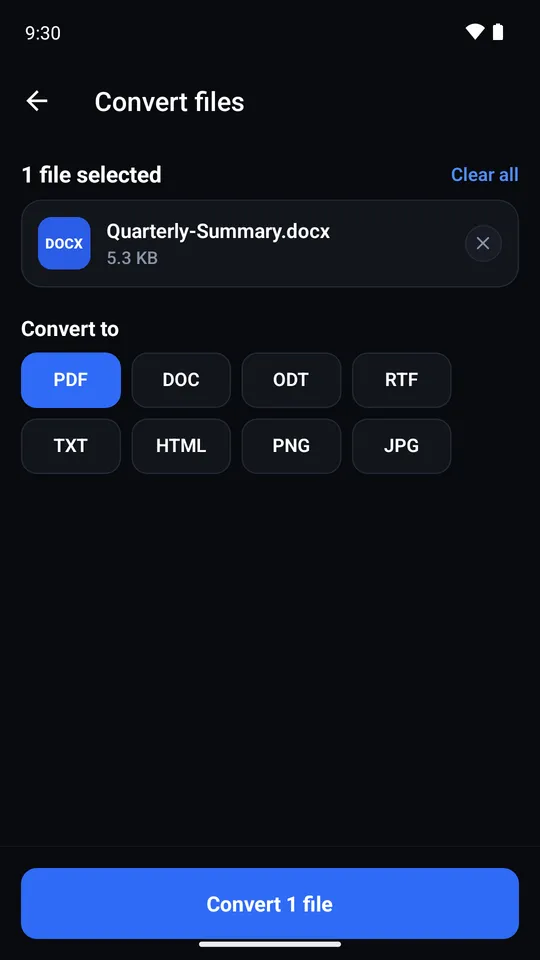
- 2 Pick a file in the app, or share one to MiConvert from any other app.
- 3 Choose the format you need, then save the result or share it on.
Questions about the app
Is the app free?
Is there an iPhone or iPad version?
Which Android versions are supported?
What happens to my files?
Which languages is the app in?
Get MiConvert for Android
Free · Android 7.0 or later
Google Play and the Google Play logo are trademarks of Google LLC.